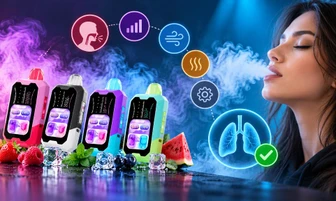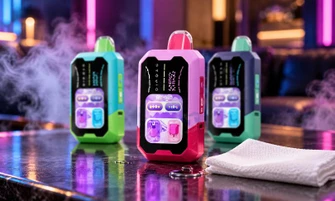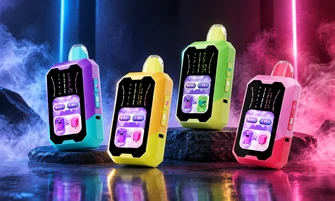

If you regularly use Rifbar devices, you may wonder how to know when Rifbar Vape is empty and whether your device has reached the end of its usage cycle. A Rifbar vape is usually empty when it produces less vapor, the flavor becomes weaker, the indicators change, or the device stops producing vapor after confirming the battery is charged.
Your Rifbar vape is likely empty when reduced performance continues even after charging and checking the device. These signs usually indicate that the available e-liquid has been used, and it may be time to replace the device.
In this guide, we explain the common signs of an empty Rifbar vape, how to tell the difference between an empty device and a battery issue, and what factors can affect how long your Rifbar vape lasts.
How Do You Know When Your Rifbar Vape Is Empty?
You can usually identify an empty Rifbar vape by looking for these common signs:
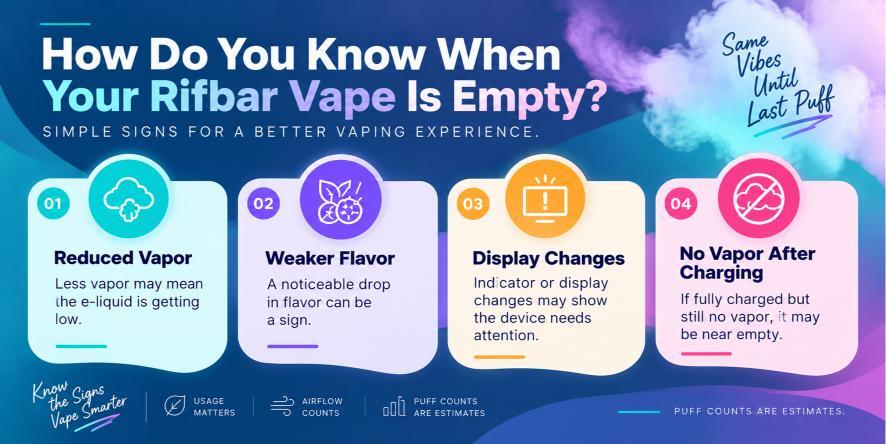
- Reduced vapor production compared with normal use
- A weaker or less noticeable flavor experience
- Changes in display or indicator signals
- No vapor production after confirming the battery is charged
- A noticeable change in overall device performance
Since puff counts are estimates, the actual lifespan of your Rifbar vape can vary depending on your puff duration, usage frequency, airflow settings, and device features.
Signs Your Rifbar Vape Is Running Out
1. Reduced Vapor Production
One of the first signs that your Rifbar vape may be running low is a decrease in vapor output. If your device produces less vapor than it did when it was new, it may indicate that the e-liquid level is getting low.
Your usage habits can affect how quickly this happens. Longer puffs and frequent use may use more e-liquid over time, which can cause the device to reach the end of its usage cycle sooner.
Before assuming your Rifbar vape is empty, check that the battery is charged and that the airflow openings are not blocked.
2. Weaker Flavor
A noticeable change in flavor can also be a sign that your Rifbar vape is nearing empty. When a device is close to the end of its available e-liquid, the flavor may become less noticeable compared with when you first started using it.
If you notice a difference in flavor quality, compare the current performance with the earlier experience of your device. A gradual decrease in flavor can indicate that your Rifbar vape is approaching the end of its use.
3. Display or Indicator Changes
Many Rifbar vape models include display features or indicators that help you monitor device information. If you notice blinking lights or changes on the display, it does not always mean the e-liquid is finished.
These signals may indicate:
- The battery to be charged
- The device needs attention
- The device has reached the end of its usage cycle
If your Rifbar model supports charging, fully charge the device before deciding that it is empty.
4. No Vapor Production After Charging
If your Rifbar vape supports charging and the battery has been fully charged, but the device still does not produce vapor, it may have reached the end of its available e-liquid.
Before replacing your device, check:
- The charging connection
- Battery status
- Airflow openings
- Whether the device activates properly
If the device still does not work after these checks, it may no longer have usable e-liquid remaining.
Why Is My Rifbar Vape Empty Before Expected?
Many users wonder why their Rifbar vape appears empty sooner than expected. Puff counts are based on testing conditions, but your actual usage experience can vary.
Several factors can affect how long your Rifbar vape lasts, including:
- Puff duration
- How often do you use the device
- Airflow settings
- Power settings on supported models
- Overall usage habits
For example, longer puffs generally use more e-liquid compared with shorter puffs. This means two users with the same Rifbar vape model may experience different usage times.
How Long Does a Rifbar Vape Usually Last?
The lifespan of a Rifbar vape depends on the specific model and how you use it. High-capacity Rifbar devices are designed with larger e-liquid capacities and rechargeable batteries to support extended usage.
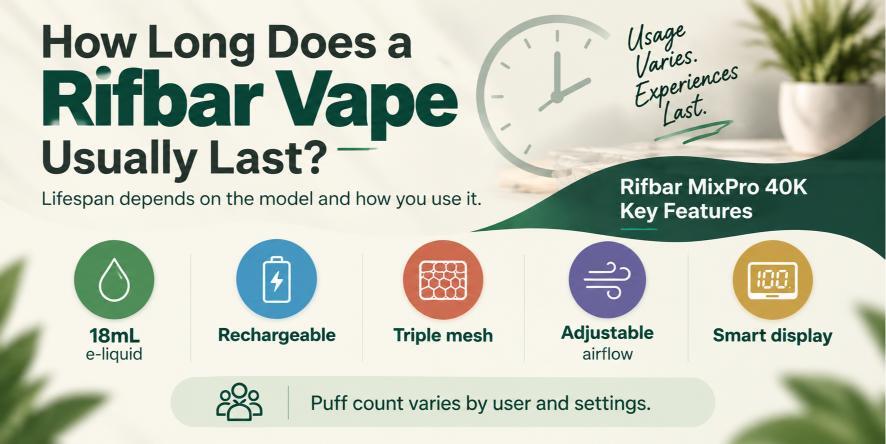
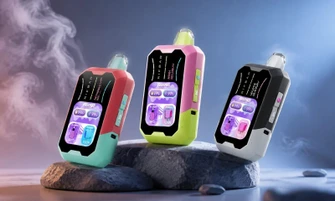
The Rifbar MixPro 40K includes features such as:
- 18mL e-liquid capacity
- Rechargeable battery design
- Triple mesh coil technology
- Adjustable airflow
- Smart display features
However, the estimated puff count is not the same for every user. Your personal usage style, puff length, and device settings can affect how long your Rifbar vape lasts.
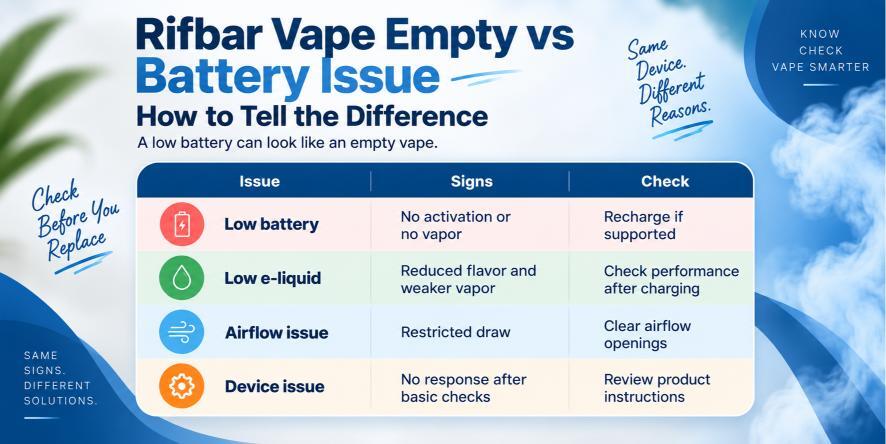
Rifbar Vape Empty vs Battery Issue: How To Tell The Difference
Sometimes a Rifbar vape may appear empty when the actual issue is the battery. Checking the difference can help you understand what is happening with your device.
|
Issue |
Common Signs |
What To Check |
|
Low battery |
Device does not activate or produces no vapor |
Recharge the device if supported |
|
Low e-liquid |
Reduced flavor and weaker vapor output |
Check performance after charging |
|
Airflow issue |
Restricted or difficult draw |
Make sure airflow openings are clear |
|
Device issue |
No response after basic checks |
Review product instructions |
Checking the battery first is important because a low charge can create signs that look similar to an empty device.
Can You Refill a Rifbar Vape When It Is Empty?
Rifbar vape devices are designed for their intended usage cycle and should be used according to the product instructions. When the device reaches the end of its available e-liquid or usage period, replacing it with a new device is recommended.
Trying to modify or refill a device that is not designed for refilling may affect its performance.
Tips To Get More Use From Your Rifbar Vape
While puff counts can vary, following proper usage habits can help you maintain consistent device performance.
Consider these tips:
- Store your device properly when not in use
- Keep airflow openings clear
- Use steady puff durations
- Recharge supported models when needed
- Follow the instructions provided with your specific Rifbar device
Proper care can help you get the expected performance from your device throughout its usage cycle.
Frequently Asked Questions
How do I know when my Rifbar vape is empty?
Your Rifbar vape is empty when vapor production decreases, flavor becomes weaker, and the device stops producing vapor after confirming the battery is charged. These signs usually indicate the device has used its available e-liquid.
Why does my Rifbar vape stop working before the advertised puff count?
Puff counts are estimates, and your actual usage depends on factors such as puff duration, frequency of use, airflow settings, and device settings.
Can I recharge my Rifbar vape?
Many Rifbar models include rechargeable batteries. If your device supports charging, recharge it before determining whether it is empty.
How long does a Rifbar vape last?
A Rifbar vape's lifespan depends on the specific model, e-liquid capacity, battery design, and your personal usage habits.
Final Thoughts
Knowing the signs of an empty Rifbar vape can help you determine whether your device needs charging or has reached the end of its usage cycle. Reduced vapor production, weaker flavor, indicator changes, and no vapor output after charging are common signs to look for.
At RifbarVape.com, we recommend checking your device status carefully before replacing it. Understanding how your Rifbar vape works and what factors affect its lifespan can help you make informed decisions when using your device.